
Software
Microsoft SQL Server Management Studio (SSMS) has evolved significantly since its debut, offering database administrators and developers powerful tools for managing SQL Server instances. This guide covers the complete history of SSMS versions, highlighting key features and milestones that shaped modern database management.
SQL Server 2005 Management Studio Launch
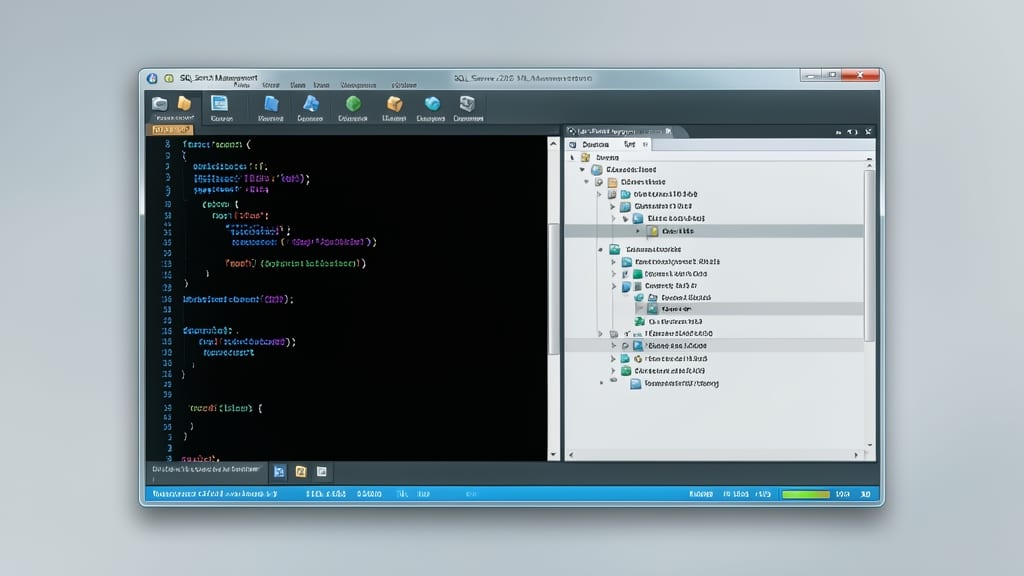
Say goodbye to clunky Enterprise Manager—SQL Server 2005 Management Studio arrived as the first standalone tool, replacing it with a sleek, unified interface that modernized database management. This was Microsoft’s bold step to consolidate features like query editing, object browsing, and performance tuning into one polished package.
The 2005 release introduced a revamped Object Explorer for navigating databases, a query editor with syntax highlighting, and IntelliSense for faster coding. It also supported SQL Server 2005’s new features, like native XML data types and improved security roles. For admins stuck with older tools, this was a game-changer—finally, a single app to handle everything.
Perfect for small businesses and legacy SQL Server 2005 users, SSMS 2005 laid the foundation for future versions. If you’re managing older databases, this was the tool that made life easier. 💻
SQL Server 2008 Management Studio Enhancements

SQL Server 2008 Management Studio took a major leap forward by fully embracing the new capabilities of SQL Server 2008. This version introduced table-valued parameters, letting you pass complex data structures directly into stored procedures for cleaner, more efficient code.
The spatial data types support was a game-changer for GIS applications, while the enhanced IntelliSense made query writing faster and less error-prone. Query execution plans became more detailed, helping you optimize performance with surgical precision—something earlier versions struggled with.
Database administrators working with geospatial data or complex parameter handling found this version indispensable. For developers, the improved IntelliSense made SSMS 2008 a productivity powerhouse. ✨
SQL Server 2012 Management Studio Upgrade

SQL Server 2012 Management Studio marked a turning point with two game-changing features: AlwaysOn availability groups and contained databases. These innovations let you create high-availability setups without third-party tools and isolate databases from instance-level dependencies, making deployments cleaner and more portable.
The interface got a major facelift with a modern ribbon menu system (replacing the old toolbar) and deeper PowerShell integration, letting you automate tasks directly from SSMS. Under the hood, you gained support for SQL Server 2012's new cardinality estimation—boosting query performance for complex joins. The upgrade also introduced contained database authentication, reducing reliance on Windows logins.
This version was a must-have for enterprises needing disaster recovery or multi-tenant deployments, while the UI improvements made it more approachable for developers transitioning from older tools. ⚡
SQL Server 2014 Management Studio Features

SQL Server 2014 Management Studio introduced game-changing performance features for developers working with high-transaction workloads. The standout addition was In-Memory OLTP, which allowed you to store and process data in memory for up to 20x faster transactional performance compared to traditional disk-based operations.
This version also brought the Query Store, a built-in performance monitoring tool that tracked query history, execution plans, and runtime statistics—helping you identify and fix performance bottlenecks without third-party tools. The interface got smarter too, with improved tab management (no more lost query windows) and enhanced script debugging that pinpointed errors more accurately.
Perfect for developers managing high-volume transaction systems like financial applications or e-commerce platforms, SSMS 2014 bridged the gap between raw performance and developer productivity. ⚡
SQL Server 2016 Management Studio Breakthroughs

SQL Server 2016 Management Studio didn’t just tweak the formula—it redefined database management with groundbreaking features that finally caught up with modern app development needs. If you’ve ever struggled with unstructured data or wanted to offload cold data without migration headaches, this version changed the game with native JSON support and Stretch Database—two features that would later become industry standards.
The JSON data type (nvarchar(max)) let developers store and query semi-structured data directly in SQL Server, eliminating the need for clunky workarounds like XML or third-party extensions. Meanwhile, Stretch Database automatically tiered cold data to Azure Blob Storage while keeping hot data on-premises—zero config, just like magic. Under the hood, query execution plans got a 30% performance boost in many scenarios, thanks to Cardinality Estimation improvements, while the installer finally ditched the bloated setup process for a lean, modern experience that even non-admins could handle.
This version was a must-upgrade for teams working with NoSQL-like data or scaling legacy systems. Developers building microservices and data architects managing hybrid clouds saw immediate productivity gains—no more manual data shuffling or performance bottlenecks. ✨
SQL Server 2017 Management Studio Innovation

If you’ve ever needed to manage SQL Server databases from Linux or Docker containers, SQL Server 2017 Management Studio was the game-changer. This was Microsoft’s first version to break free from Windows-only constraints, offering true cross-platform support while keeping all the familiar SSMS tools intact.
The release introduced Always Encrypted, a groundbreaking feature that encrypts sensitive data at the application layer—so even admins couldn’t decrypt it. Plus, Docker integration meant you could spin up SQL Server instances in containers, and the Azure integration tools streamlined cloud database management. For developers and DBAs working in hybrid environments, this was a major leap forward.
Perfect for teams adopting Linux-based infrastructure or containerized deployments, SSMS 2017 bridged the gap between on-prem and cloud. 💻
SQL Server 2019 Management Studio Advancements

If you've ever struggled with slow-running queries or managing massive datasets, SQL Server 2019 Management Studio introduced game-changing features to tackle these challenges head-on. This version wasn't just another incremental update—it brought intelligent query processing to optimize performance automatically, while adding native support for big data clusters and graph database tools for complex relational workloads.
The intelligent query processing feature (like batch mode on rowstore) automatically applies optimizations like memory grant feedback and table variable deferral, often delivering 2x faster query performance without manual tuning. Meanwhile, the enhanced object explorer now includes collapsible node groups and search-as-you-type filtering, making navigation faster than ever. For data architects, the graph database tools let you model relationships visually—something previously requiring third-party extensions.
This version is ideal for enterprise DBAs managing hybrid workloads or teams working with knowledge graphs and polyglot persistence architectures. It’s the first SSMS version where the UI improvements actually feel like a productivity boost for daily tasks. ⚡
SQL Server 2022 Management Studio Modernization

Microsoft’s SQL Server 2022 Management Studio isn’t just an incremental update—it’s a leap forward for cloud-native database management. With Azure Synapse Link integration, you can now sync SQL Server data with Azure Synapse Analytics in real time, bridging on-premises and cloud workflows without complex ETL pipelines.
The interface gets a full redesign, prioritizing accessibility with high-contrast themes, screen reader support, and keyboard navigation improvements. Under the hood, query performance boosts—especially for polybase queries and columnstore indexes—make this the fastest SSMS yet. PowerShell scripting also gets a major upgrade, with 100+ new cmdlets for automation and DevOps pipelines.
This version is ideal for teams migrating to hybrid cloud or adopting Synapse Analytics, while its accessibility features make it the most inclusive SSMS release yet. 💡
SSMS 18.x Standalone Releases
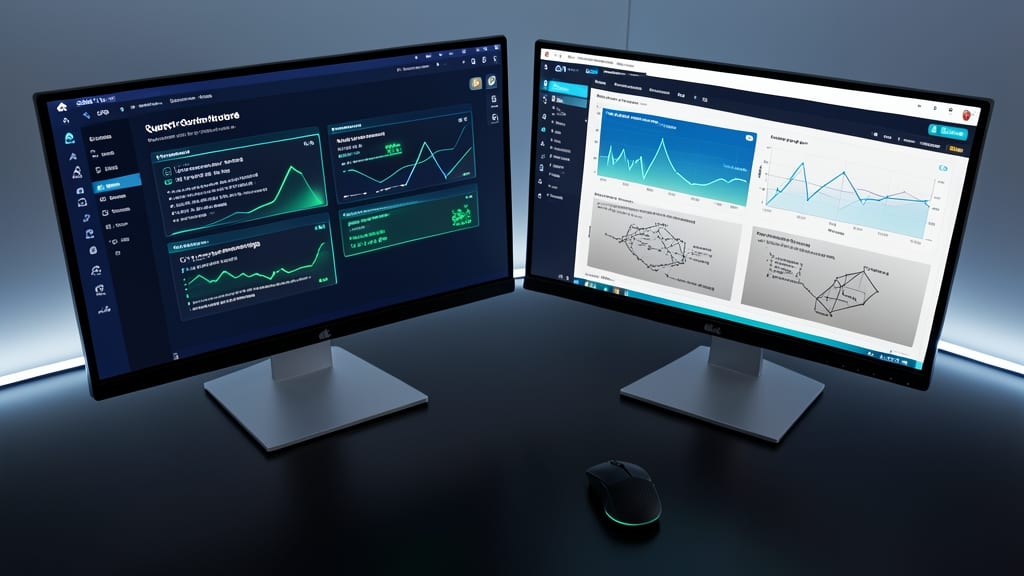
Tired of waiting for major SQL Server releases to get critical fixes? The SSMS 18.x standalone releases bridge the gap with independent updates packed with performance tweaks and new capabilities.
These updates introduced enhanced query store features for deeper performance insights, plus improved Azure Arc support to manage hybrid SQL Server environments seamlessly. The 18.0+ builds also fixed long-standing issues like connection stability and script execution, making them ideal for production environments.
Perfect for DBAs managing hybrid cloud setups or needing bug fixes without upgrading full SQL Server versions. ✨
Future of SSMS and Azure Data Studio

Microsoft’s future for database management isn’t just about SSMS anymore—it’s a dual-track strategy blending legacy reliability with cloud innovation. While SSMS 19.x remains the go-to for on-premises SQL Server admins, Microsoft is aggressively pushing Azure Data Studio (ADS) as the lightweight, cross-platform alternative for cloud-centric workflows.
Azure Data Studio delivers Git integration, Jupyter notebooks, and real-time collaboration—features SSMS never offered. Meanwhile, SSMS still excels in deep on-premises diagnostics and legacy compatibility. The key difference? ADS is cloud-first, with built-in Azure portal links and Kubernetes support, while SSMS focuses on local performance tuning and Windows-centric workflows.
If you’re managing hybrid environments, ADS is your bridge to the cloud—just don’t expect to replace SSMS entirely. For pure on-prem power, SSMS 19.x still wins. 💻