
Coding
SQL Server 2012 introduced powerful features that transformed database management for developers and administrators alike. These game-changing tools boost performance, simplify administration, and enhance security—making it a must-upgrade version for modern database professionals.
Columnstore Indexes for Massive Data Compression

Storing petabytes of analytical data used to mean bloated storage costs and sluggish queries—but SQL Server 2012’s Columnstore Indexes flipped the script. This game-changing feature packs rows into vertical columns, slashing storage footprints by up to 10x while turbocharging aggregations and scans.
The magic happens through batch-mode processing, where queries scan compressed data in chunks rather than row-by-row. For example, a 1TB fact table might shrink to just 100GB while delivering 5-10x faster performance on analytical queries. It’s especially powerful for data warehousing, OLAP cubes, and any workload drowning in dimensional tables.
Perfect for data analysts and BI teams drowning in large datasets, Columnstore Indexes require minimal maintenance—just rebuild occasionally. No more waiting hours for reports to crunch through mountains of data. ⚡
Contained Databases for Simplified Deployment
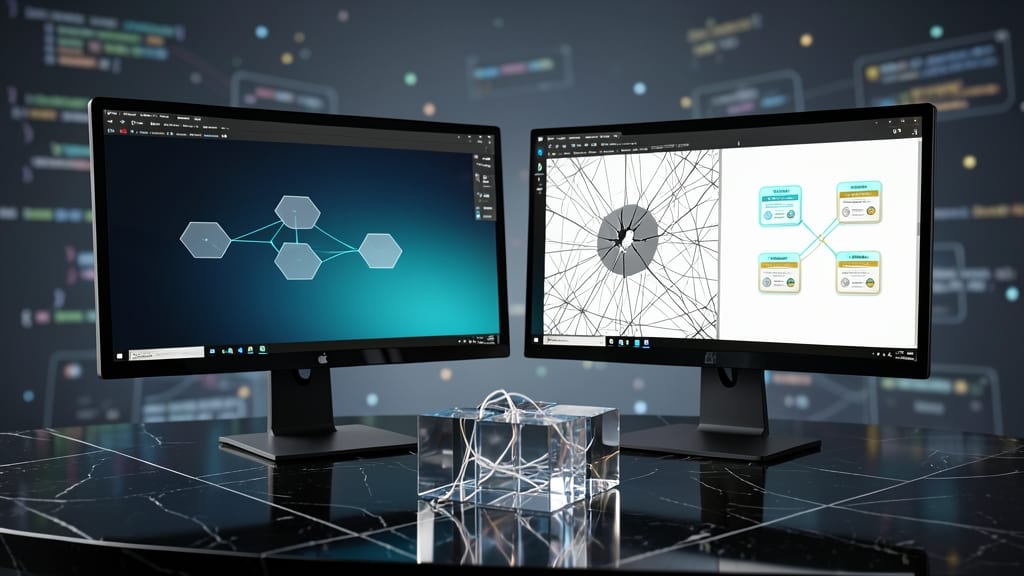
Tired of deployment headaches tied to a central master database? SQL Server 2012’s Contained Databases feature lets you package everything—data, logins, and permissions—into a self-sufficient unit. This eliminates the need to rely on the system database, making migrations and deployments smoother than ever.
With Contained Databases, you gain portability across environments (dev, test, production) without manual configuration. The standalone nature means you can back up, restore, or move databases without worrying about dependencies. Plus, user logins are scoped to the database itself, reducing security risks and simplifying multi-tenant setups.
Developers and DevOps teams will love this—it’s the perfect solution for CI/CD pipelines and cloud deployments, where flexibility and isolation matter most. ✨
AlwaysOn Availability Groups for High Availability
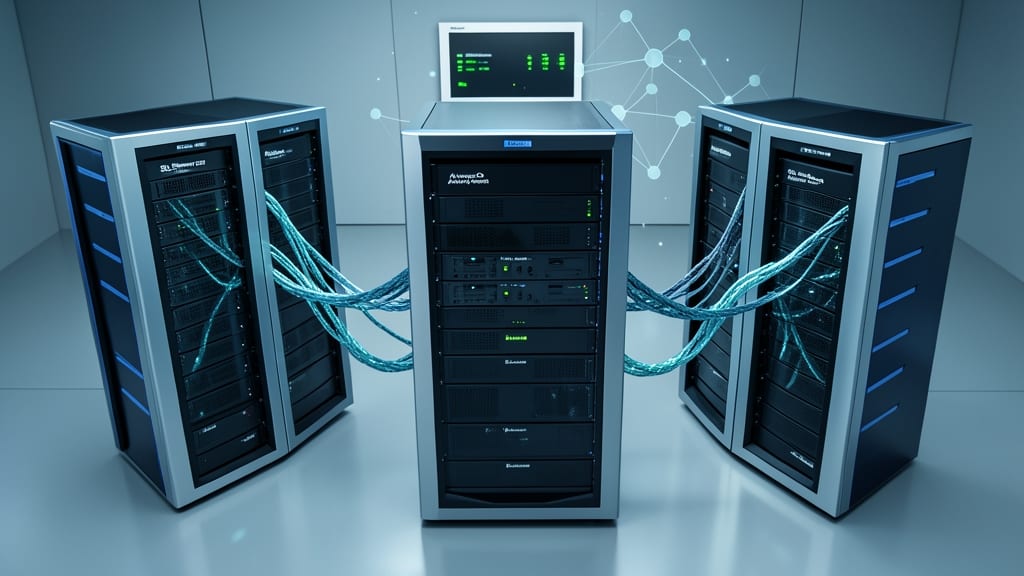
Downtime isn’t an option for financial systems, e-commerce platforms, or healthcare databases—but SQL Server 2012’s AlwaysOn Availability Groups finally makes that a reality. This feature replaces older high-availability solutions with synchronous replication across multiple servers, ensuring zero data loss during failover.
With automatic failover and readable secondaries, you can distribute read workloads while maintaining a single primary for writes. The setup supports up to 8 replicas per group, and transaction log shipping keeps everything in sync. Unlike Database Mirroring, this solution scales horizontally and works seamlessly with Windows Server Failover Clustering for enterprise-grade resilience.
Perfect for mission-critical applications like banking, retail, or telecom, AlwaysOn Availability Groups eliminate manual failover scripts and reduce recovery time to seconds—not hours. 💪
Sequence Objects for Custom Number Generation

Tired of identity columns leaving gaps in your numbering when rows are deleted or rolled back? Sequence Objects in SQL Server 2012 offer a game-changing alternative with precise, customizable numbering that stays gap-free—perfect for audit trails and complex reporting.
This feature lets you define sequences with options like cycling, increment/decrement values, and cache sizes for performance. Unlike identity columns, sequences persist even after row deletions, ensuring continuity in multi-user environments. You can also generate numbers across multiple tables using the same sequence.
Database architects and auditors will love this for financial systems, inventory tracking, or any scenario requiring sequential IDs without manual intervention. ✨
Window Functions for Advanced Analytics

Tired of writing convoluted self-joins just to rank or partition your data? SQL Server 2012’s window functions solve this with elegant, high-performance syntax that keeps your queries clean and readable.
Functions like ROWNUMBER(), RANK(), and PERCENTRANK() let you perform calculations across result sets without altering them—no temporary tables or subqueries needed. For example, you can rank sales by region with a single line: ROW_NUMBER() OVER(PARTITION BY region ORDER BY sales DESC). The engine handles the heavy lifting while you focus on logic.
This feature is a must-know for data scientists and analysts who need to slice data by groups, calculate moving averages, or generate running totals. No more wrestling with nested queries—just intuitive, optimized performance. ✨
Contained Database Users for Security Isolation
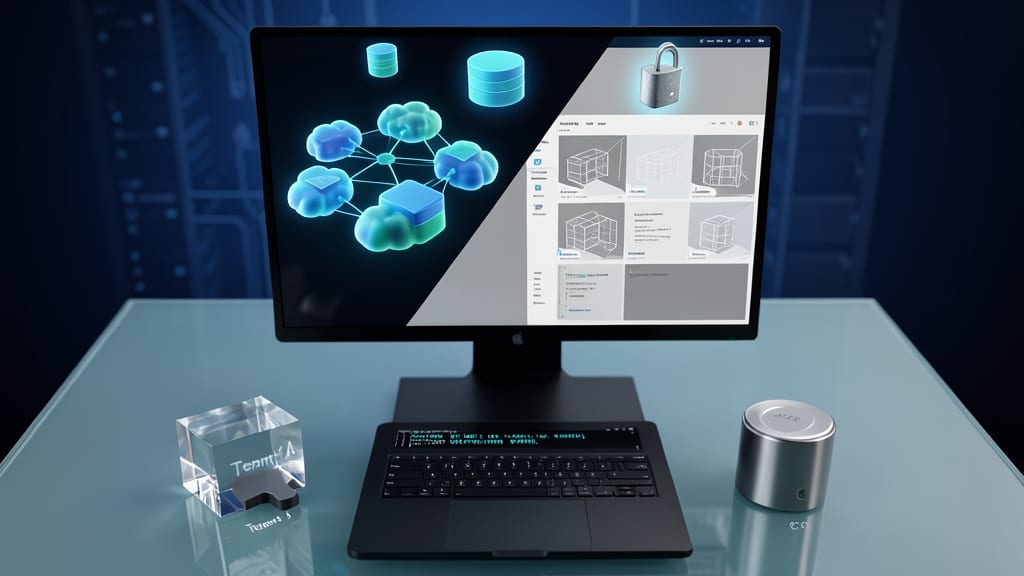
Multi-tenant SaaS platforms and cloud deployments now have a game-changer: Contained Database Users in SQL Server 2012. Unlike traditional logins tied to the server, this feature lets you scope permissions to individual databases—meaning a compromised user in one tenant can't access another.
The magic happens through USER_MAPPING and CONTAINMENT settings, which isolate authentication entirely within the database. You can even deploy identical schemas across tenants while keeping their data and permissions completely separate. For cloud providers, this means zero cross-tenant credential leakage, while SaaS vendors gain granular control without managing server-level logins.
Ideal for ISV partners and hosting providers, this feature turns database security from a server-wide concern into a per-database configuration—perfect for scaling secure multi-tenant architectures. ✨
Power View for Interactive Data Visualization

Tired of wrestling with Excel spreadsheets or waiting for IT to generate reports? Power View in SQL Server 2012 brings self-service BI directly into your browser—no coding required. This interactive tool lets business users drag-and-drop data into dynamic visualizations, from pivot tables to geographic heatmaps, all without writing a single line of SQL.
Built on SQL Server Analysis Services (SSAS), Power View supports real-time filtering, drill-down capabilities, and seamless integration with SharePoint 2010 for collaboration. The tool automatically detects relationships in your data model, so you can focus on storytelling rather than schema design. For example, a sales manager could instantly create a region-by-product revenue chart and filter by quarter—all in minutes.
Perfect for analysts, marketers, or managers who need to explore data independently, Power View eliminates the back-and-forth with IT teams. Just connect to your Tabular models or Excel workbooks, and start transforming raw numbers into actionable insights. ✨
SQL Server Data Tools for Unified Development

Tired of juggling separate tools for database development and Visual Studio? SQL Server Data Tools (SSDT) bridges that gap by integrating end-to-end database lifecycle management directly into your IDE.
With SSDT, you get schema comparison tools, database project templates, and debugging support—all within Visual Studio. The zero-configuration deployment streamlines CI/CD pipelines, while T-SQL debugging lets you catch errors before they hit production. Plus, it supports source control integration for database projects, making collaboration seamless.
Perfect for SQL and .NET developers, SSDT eliminates context-switching between tools, keeping your workflow clean and efficient. 💻
Contained Database Backup and Restore

Tired of backup headaches spanning multiple databases? Contained Database Backup and Restore in SQL Server 2012 treats each database as a self-contained unit, eliminating dependencies on the master database or server-specific configurations.
With this feature, you can now back up and restore entire databases—including their users, schemas, and permissions—using standalone scripts or tools. This simplifies hybrid cloud strategies by ensuring databases can move seamlessly between on-premises and cloud environments without manual adjustments. The zero-configuration approach also reduces recovery time, making it ideal for disaster scenarios.
Perfect for DevOps teams managing multi-tenant environments or enterprises with distributed data centers, this feature turns backup operations into a plug-and-play process. ✨
SQL Server Data Quality Services for Clean Data
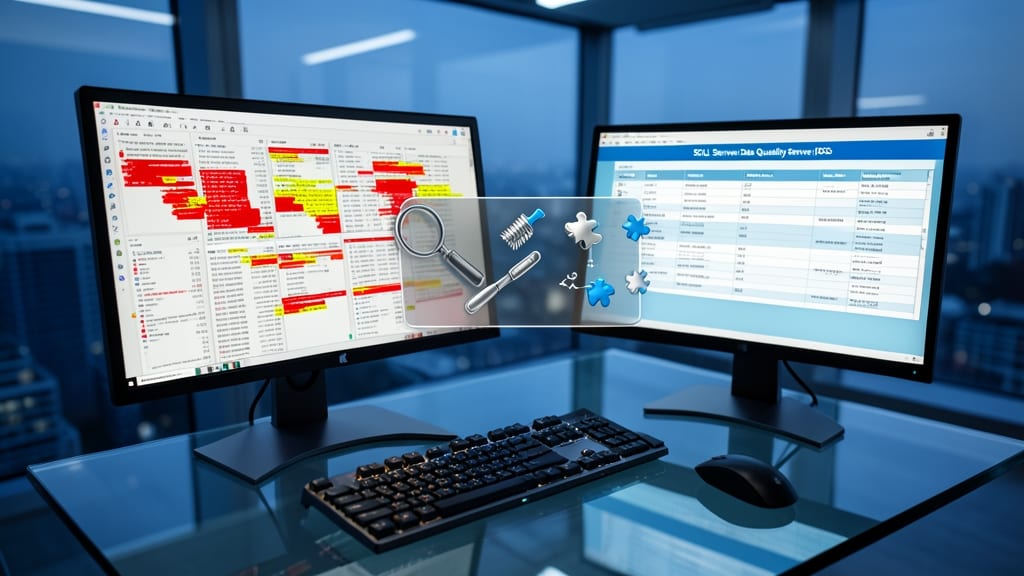
Merging datasets from multiple sources often leaves you drowning in inconsistencies—until SQL Server Data Quality Services (DQS) enters the picture. This dedicated toolkit automates profiling, cleansing, and matching, turning messy data into a clean, unified resource without manual intervention.
With DQS, you get domain-specific knowledge bases to standardize data formats, fuzzy matching to identify duplicates, and data cleansing workflows that integrate directly into SSIS packages. The Knowledge Discovery feature even suggests corrections based on patterns, while data quality projects let you track improvements over time.
This is the go-to solution for data stewards, ETL developers, and BI teams consolidating disparate sources—like merging CRM, ERP, and legacy systems. It’s the secret weapon for ensuring your analytics start with clean, reliable data. ✨