Why I started Update Fix
It was 2018, and I’d just spent an hour Googling ‘why is my Windows update stuck at 67%’—again. The third ‘fix’ I’d tried had deleted half my Start menu icons, and the fourth had turned my taskbar into a glitchy slideshow.
None of the so-called ‘solutions’ online actually worked, or they made things worse. I wanted a place where the answers weren’t just copy-pasted from forums, but tested, step-by-step, with no fluff.
So I started writing them myself. For the person who’s stuck on a blue screen, the student trying to format a USB drive without losing their data, or the small-business owner whose Outlook keeps crashing.
This is for anyone who’s ever spent more time fighting a computer than using it—and come out on the losing side.
Meet the founder

My first computer was a Dell Dimension 4600 my parents bought me in 2003. It had a 1.6GHz Pentium 4, 512MB of RAM, and a dial-up modem that shrieked like a banshee every time it tried to load anything.
I spent more time waiting for pages to load than actually using them—and when something broke (which was often), my dad would sigh and say, *‘Just reboot it.’* That machine taught me two things: patience, and that reboots aren’t always the answer.
I still have the case sitting in my closet, though the power supply died years ago. The sticker on the back—‘Property of Maribel Halloran, Age 12’—is peeling, but I keep it there as a reminder.
That computer was my first real teacher, and the way it failed shaped how I write now: clear, direct, and with a healthy dose of skepticism about ‘just try this.’
The breaking point came when I tried to install Linux on an old laptop for a friend. The guide I found assumed you already knew terminal commands, and the screenshots were from a version from 2012.
By the time I’d figured out what ‘chmod +x’ actually did, I’d rewritten the whole process in my head—and decided someone else might need it too.
That’s how this site started: as a way to document the fixes that *actually* work, not the ones that sound good in a forum post.
I have a habit of muttering to my computer when it misbehaves. Out loud. My cat thinks I’m talking to her, but I swear she rolls her eyes. If you’ve ever done the same, you’re already one of us.
Meet the mascot

The mascot started as a doodle on a napkin during a late-night troubleshooting session.
I was sketching a frustrated PC—arms crossed, screen glowing red—when my roommate walked in and said, *‘That looks like a robot with a tantrum.’* So I drew it again, this time with a glitchy smile and a toolbox floating beside it.
The first version had too many wires, so I simplified it: one eye (because the other was always ‘offline’), a single screw on its chest (for ‘fixing’), and a question-mark-shaped antenna.
The final version lost the wires entirely. The toolbox became a single wrench, and the ‘tantrum’ face turned into a neutral expression—because frustration isn’t the point. The point is the fix. I named it *Fixbot*, mostly because it sounded like something that would appear in a pop-up window.
It’s supposed to look like the kind of character you’d find in a 90s help menu, if help menus had personality.
What I promise you
This site exists to save you time—and your sanity. Here’s what you can always count on:
What you can hold me to
- No ‘run as administrator’ without explaining why it’s needed (and what happens if you don’t).
- Every ‘download this tool’ comes with a warning about what it *actually* does—no silent installers.
- If a method fails, we’ll tell you *exactly* what went wrong and how to spot the signs next time.
- We update guides when software changes. A ‘2015 fix’ for Windows 10 won’t appear here.
How I create a guide
Every guide starts with a real problem. Not a hypothetical, not a ‘common issue,’ but something that’s actually broken my workflow—or someone else’s. I test it on at least two machines: my main PC (a mid-range Windows 11 setup) and a second-hand laptop running Linux.
If it works on both, I start writing. If it doesn’t? I keep testing until it does.
The testing phase

First, I document every step as I go, including the mistakes. That’s where the ‘watch for’ notes come from—the things that trip people up, like accidentally deleting system files or misreading error codes.
Timings matter too: a ‘wait 10 minutes’ might take 5 on a fast SSD, or 20 on an old HDD. I time each step twice to be sure.
If something goes wrong (and it always does, at least once), I note the exact error message, the system logs, and what fixed it. That’s how we get the ‘if this happens, try this’ sections.
No guesswork, just the facts—and a clear path to the next step if the first one fails.
The rewrite phase
After testing, I rewrite the guide from scratch—this time for someone who’s never done it before. If I need to explain ‘registry editor’ or ‘safe mode,’ those terms get simplified or linked to a beginner’s guide. I cut anything that’s obvious to me but might confuse someone else. The goal?
A step-by-step that works the first time, even if you’re holding a coffee cup in one hand and a cat on your lap.
Finally, I ask a friend to follow it blind. If they get stuck, I go back and add more detail. If they skip a step, I make it bolder. The guide isn’t done until someone who’s never seen it before can follow it without help.
How a page gets onto this site
Once a guide is tested and rewritten, I let it sit for 24 hours before publishing. That’s when I spot the gaps—the assumptions I made, the steps I skipped because they seemed obvious. I also check for ‘evergreen’ updates: if Windows 11 changes how updates work, the guide gets revised.
No guide here is set in stone.
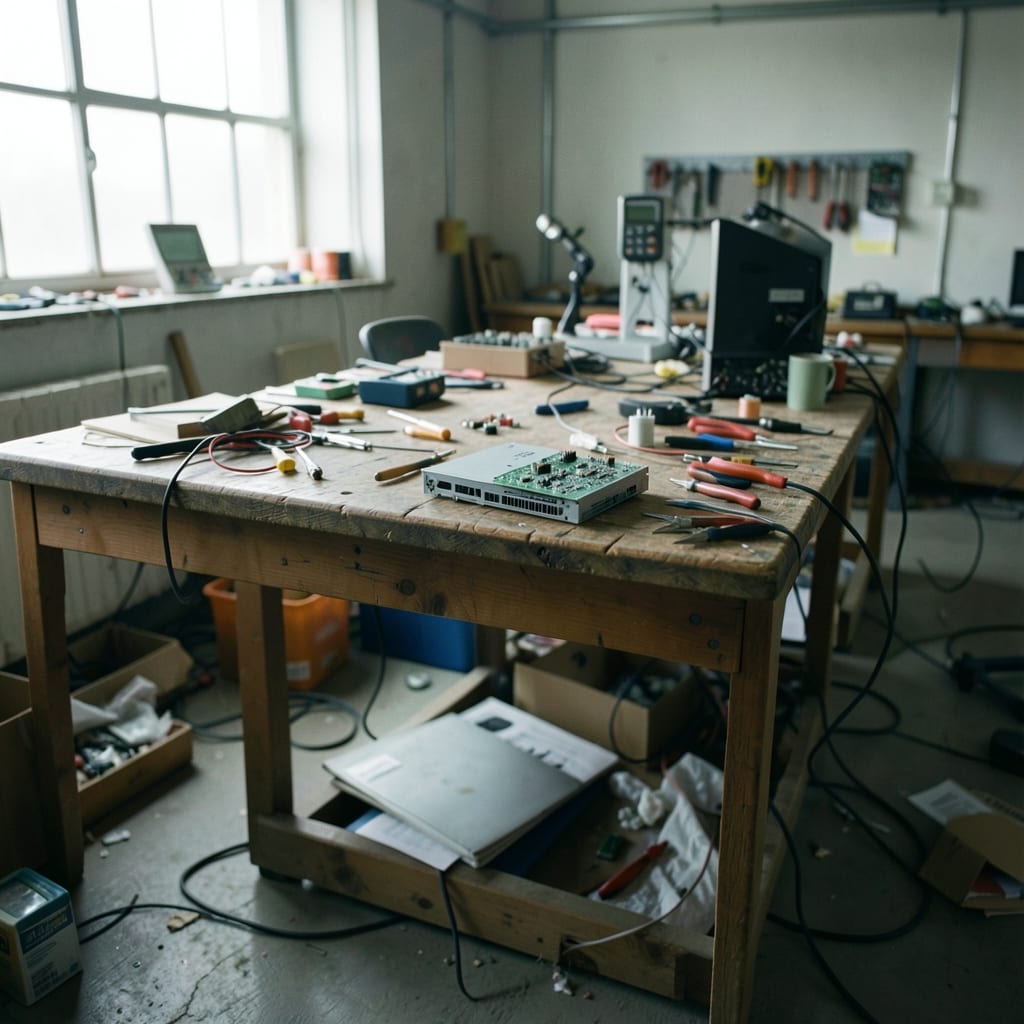
The desk where I write has three things on it: a sticky note with the current error code I’m debugging, a half-empty coffee cup (for morale), and a screenshot of the last thing that went wrong. It’s messy, but that’s where the real fixes happen.
Write to me
I love hearing about the fixes that worked—or the ones that didn’t. Did a guide here save you hours? Did you find a better way to do something? Send it to the contact page.
I’m especially curious about the ‘weird edge cases’: the old hardware, the custom setups, or the software no one else seems to use. Those are the problems that need solving the most.
And if you’ve ever muttered at your screen in frustration? You’re not alone. That’s why we’re here.
The guides are grouped by category: App, Coding, Hardware, Operating System, Outlook and PowerPoint.