Skip to content
Update Fix

Update Fix

  • All Articles
  • App
  • Coding
  • Hardware
  • More
    • Operating System
    • Outlook
    • PowerPoint
    • Review
    • Software
    • Tip & Trick
    • Troubleshooting
    • Windows

PowerPoint — Page 3

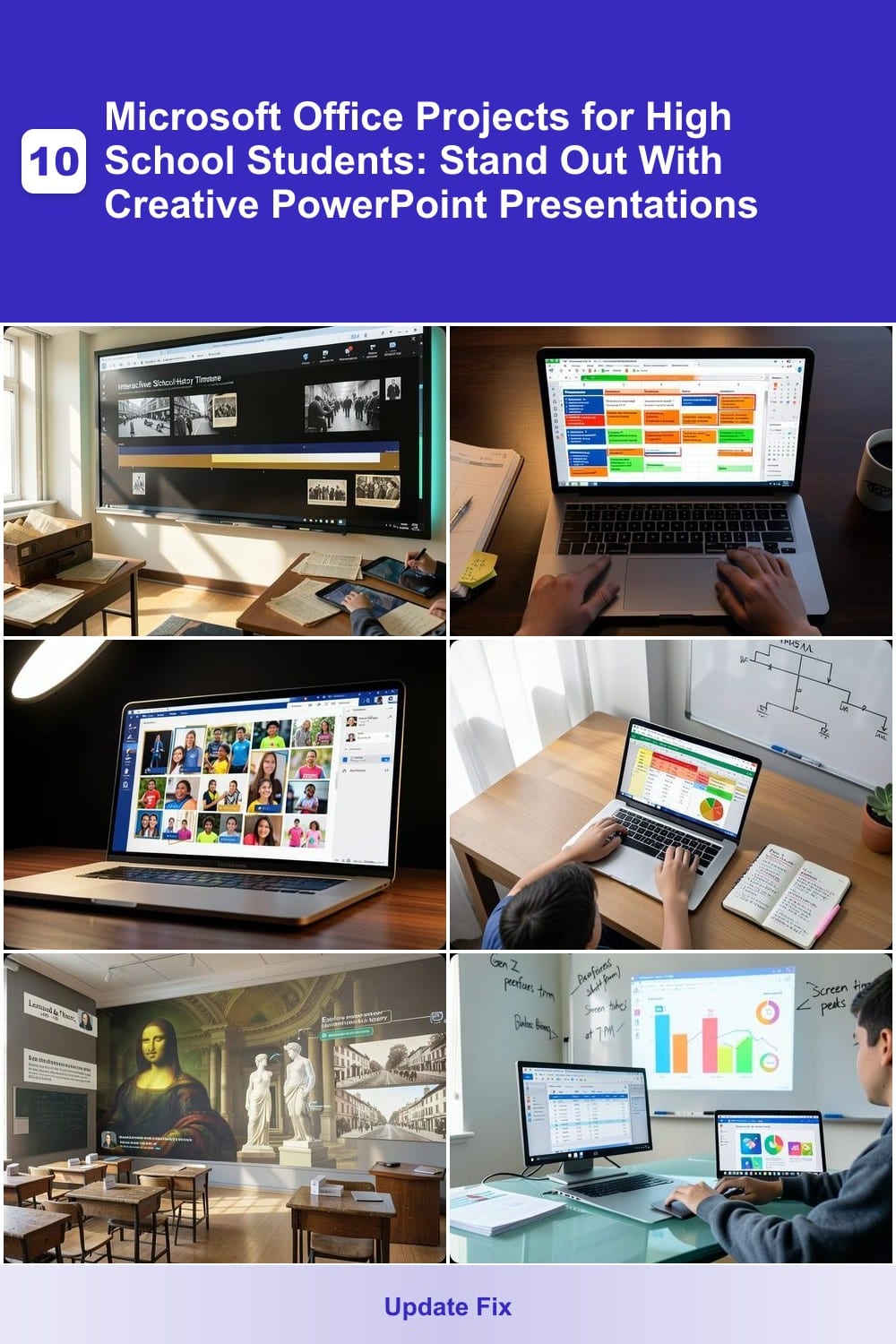
10 Microsoft Office Projects for High School Students: Stand Out With Creative PowerPoint Presentations
November 11, 2026 by Maribel Halloran
10 Microsoft Office Projects for High School Students: Stand Out With Creative PowerPoint Presentations

High school students need creative Microsoft Office projects to showcase skills and impress teachers. These 10 standout ideas leverage PowerPoint, Excel, and Word to build portfolios that highlight real-world…
Read more

Categories PowerPoint

Mimo Power Save Mode on or Off: When to Enable or Disable for Battery Life vs Performance

November 19, 2026 by Maribel Halloran
Mimo Power Save Mode on or Off: When to Enable or Disable for Battery Life vs Performance

💥 Quick Answer Deciding whether to enable MIMO Power Save Mode depends on your needs: keep it off for maximum Wi-Fi speed and responsiveness, especially for gaming or 4K streaming, but turn it on to extend battery life…

Read more

Categories PowerPoint

Visio Process Flow Diagram Template Free Download: Pre-Built Shapes for Faster Workflows

November 18, 2026 by Maribel Halloran
Visio Process Flow Diagram Template Free Download: Pre-Built Shapes for Faster Workflows

A free download of a Visio process flow diagram template lets you craft sleek workflows in minutes—no design skills required. Picture this: You’ve spent two hours dragging shapes around, only to realize the connectors…

Read more

Categories PowerPoint

Where Is the Eyedropper in PowerPoint: Shortcut Key and Exact Location Explained

November 17, 2026 by Maribel Halloran
Where Is the Eyedropper in PowerPoint: Shortcut Key and Exact Location Explained

💥 Quick Answer To find the eyedropper in PowerPoint, locate it under the Home tab in the Font Color dropdown (or Shape Fill / Shape Outline ), or use the Ctrl+Alt+C (Windows) / Command+Option+C (Mac) shortcut. It’s also…

Read more

Categories PowerPoint

Where Is the Ribbon in PowerPoint: Hidden and Customized Locations Explained

November 17, 2026 by Maribel Halloran
Where Is the Ribbon in PowerPoint: Hidden and Customized Locations Explained

💥 Quick Answer The ribbon in PowerPoint is located at the top of the screen as a horizontal toolbar, featuring tabs like Home, Insert, Design, and View. If it disappears, check the View tab or reset it through File >…

Read more

Categories PowerPoint

Where Is WordArt in PowerPoint: Ribbon Location and Quick Access Shortcut

October 13, 2026 by Maribel Halloran
Where Is WordArt in PowerPoint: Ribbon Location and Quick Access Shortcut

💥 Quick Answer To find WordArt in PowerPoint, look under the Insert tab in the Text group. Click the dropdown arrow for advanced formatting options, or use the Ctrl+Shift+A shortcut to insert it quickly. Older versions…

Read more

Categories PowerPoint
Page1Page2Page3

About Me

Maribel Halloran

Maribel Halloran
My first computer was a clunky desktop my parents bought me in the early 2000s—it had a dial-up modem that screeched like a banshee when I tried to load *Angry Birds* for the first time. That machine taught me patience, curiosity, and how to fix things when they broke. Now, I run this site to help others navigate the ever-changing world of tech, whether it’s troubleshooting a stubborn PC or mastering the latest software. My approach? Clear, step-by-step guides with a side of humor, because tech doesn’t have to be intimidating.

Learn more

Recent Posts

  • Set up New Hot Mail Account: Step-by-Step Guide for New Users
    Set up New Hot Mail Account: Step-by-Step Guide for New Users
  • How To Set Up A Conference Call: Crystal-Clear Audio and Screen-Sharing Made Simple
    How To Set Up A Conference Call: Crystal-Clear Audio and Screen-Sharing Made Simple
  • 10 Microsoft Office PPT Templates: Free Downloads for Stunning Business Presentations
    10 Microsoft Office PPT Templates: Free Downloads for Stunning Business Presentations
  • Downloading Pics from Camera to Computer: Zero-Loss Transfer in 3 Clicks
    Downloading Pics from Camera to Computer: Zero-Loss Transfer in 3 Clicks
  • How to Download Sharepoint Mobile App: Official Microsoft Guide for Seamless Offline Access
    How to Download Sharepoint Mobile App: Official Microsoft Guide for Seamless Offline Access
  • All Guides
  • About
  • Contact
  • Privacy Policy
  • Cookie Policy
  • Terms of Use
© 2026 updatefix.click