
Software
Working across different software systems? These 10 universally recognized date and time formats ensure seamless compatibility—whether you're coding, configuring systems, or exchanging data globally. Master these standards to avoid formatting errors and streamline workflows.
ISO 8601 Date Format YYYY-MM-DD

When you need a date format that works everywhere—from APIs to databases—ISO 8601 is the answer. This standardized format, YYYY-MM-DD, eliminates ambiguity by separating years, months, and days with hyphens, ensuring machines and humans interpret dates correctly.
The format’s simplicity extends to time (e.g., HH:MM:SS or HH:MM:SS.sss±HH:MM for milliseconds and time zones), making it ideal for global systems. It’s the default in JSON APIs, SQL databases, and even Excel when configured for international use.
Developers and data professionals rely on it for consistency, while businesses use it to avoid regional misinterpretations. If you’re working with international data, this is the format to standardize on. ✨
American MM/DD/YYYY Date Format
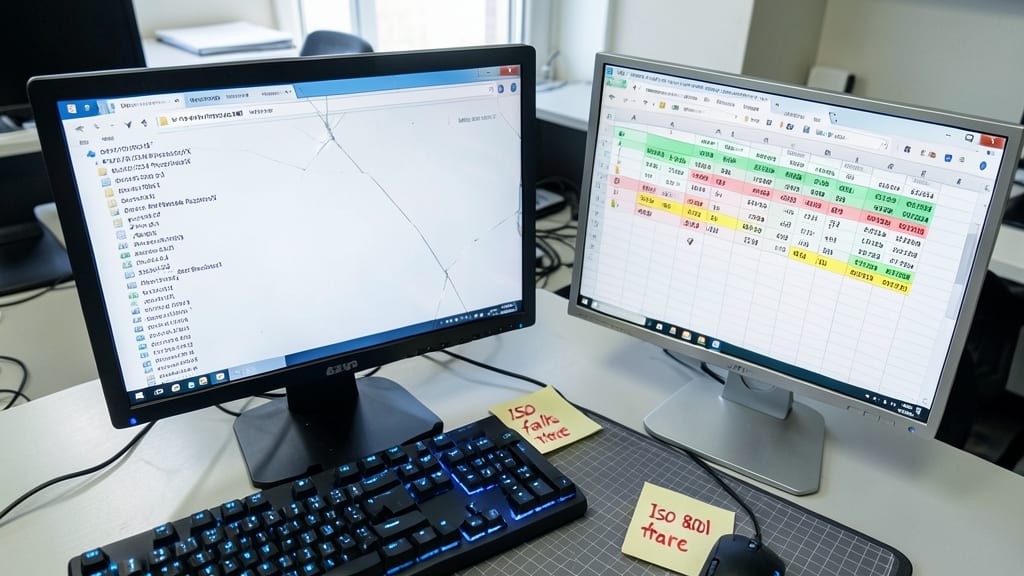
While ISO 8601 dominates global systems, the MM/DD/YYYY format remains deeply embedded in U.S. software—from Windows file names to Excel spreadsheets. Its quirk? The day comes second, which trips up developers parsing dates without locale awareness.
This format lacks separators (e.g., 05/20/2024), making it ambiguous when written without slashes or hyphens. Legacy systems often default to it, and user-facing apps (like calendars) must support it for American audiences. A common pitfall: assuming DD/MM/YYYY when processing dates from U.S. sources.
Ideal for localizing apps targeting the U.S. market or maintaining compatibility with older databases. Always validate input to avoid misinterpreting May 20th as February 5th. 💻
European DD/MM/YYYY Date Format

If your software targets European markets, the DD/MM/YYYY format isn’t just a preference—it’s the default. From banking systems in Germany to healthcare records in France, this format powers daily operations, making it critical for developers to implement correctly in localization settings.
Unlike the U.S. MM/DD/YYYY format, DD/MM/YYYY places the day first, which can cause confusion if not handled properly. For example, "01/02/2024" means February 1st in Europe but January 2nd in the U.S. Many European languages also use ordinal indicators (e.g., "20. Mai 2024" in German), adding another layer of complexity for parsing.
This format is a must-know for developers building cross-border applications or integrating with European databases. Always validate and convert dates explicitly to avoid misinterpretation in global workflows. 💻
24-Hour Time Format HH:MM:SS

Tired of AM/PM mix-ups derailing your precision timing? The 24-hour format (HH:MM:SS)—like 14:30:45—is the military and scientific standard that cuts through ambiguity. Used in aviation, logistics, and global coordination, it’s the go-to for systems where every second counts and time zones demand clarity.
This format represents hours from 00:00 to 23:59, eliminating the need for AM/PM indicators. It’s machine-friendly, making it ideal for scheduling APIs, time-tracking software, and international databases where consistency is critical. Many programming languages (like Python’s datetime) and operating systems support it natively, reducing parsing errors.
Perfect for developers, sysadmins, and professionals in logistics, finance, or research where precision matters. No more guessing whether that 09:00 is morning or night! ✨
12-Hour Time Format with AM/PM
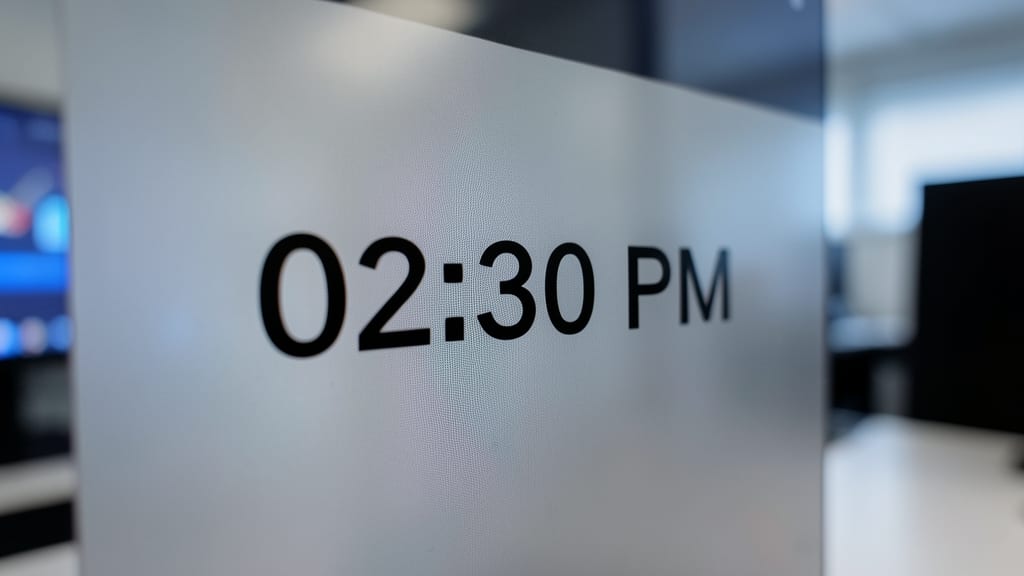
If you’ve ever seen a time stamp like 02:30 PM in a U.S.-based app or system, you’re looking at the 12-hour format with AM/PM. While intuitive for humans, this format introduces complexity for machines—especially when parsing user input or integrating with global systems.
The HH:MM AM/PM structure relies on context to distinguish between morning and afternoon, making it less efficient for automated processing compared to 24-hour time. For example, 09:00 AM and 09:00 PM represent entirely different times, requiring explicit AM/PM labels. This format dominates consumer apps, calendars, and U.S. regional settings but demands extra validation logic in code.
Developers working with user-facing applications or legacy systems will encounter this format often. Always validate input to avoid misinterpretation—especially when syncing with international databases or APIs. 💻
Unix Epoch Time (Seconds Since 1970)

Behind every API call, database entry, or system log lies a Unix Epoch Time—a simple integer representing seconds since January 1, 1970. Unlike human-readable formats, this machine-friendly timestamp ensures consistency in backend systems where precision matters most.
At its core, Epoch Time uses a 32-bit or 64-bit integer (e.g., 1716123456 = May 20, 2024), making it ideal for sorting, calculations, and storage. Libraries like Python’s time.time() or JavaScript’s Date.now() convert it seamlessly, while databases (e.g., PostgreSQL) often store it natively. Its zero-config nature eliminates timezone or formatting headaches.
Perfect for developers building real-time analytics, logging pipelines, or microservices, where milliseconds matter. ⚡
RFC 2822 Email Date Format
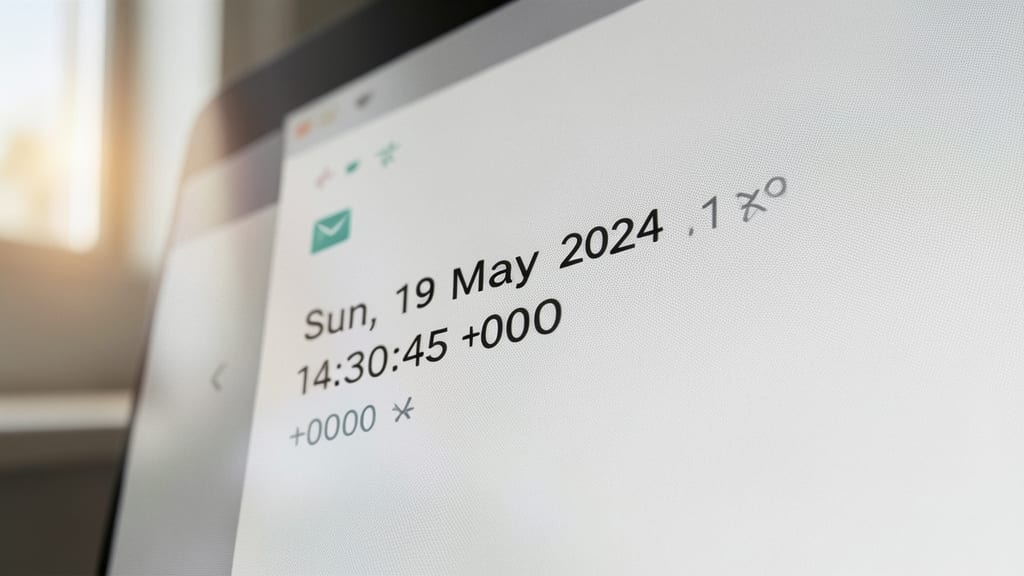
Ever noticed how emails always show dates like "Sun, 19 May 2024 14:30:45 +0000" instead of your local format? That’s RFC 2822—the standardized email date format ensuring every client, server, and automated system interprets timestamps correctly.
This format includes the day of the week, day/month/year, time in 24-hour format, and a timezone offset (e.g., +0000 for UTC). It’s designed for machine parsing, making it ideal for spam filters, archiving systems, and email APIs where consistency is critical. Unlike regional formats, RFC 2822 prioritizes interoperability over readability.
Developers working with email parsing libraries (like Python’s email module) or SMTP servers rely on this format to avoid misaligned timestamps. For anyone handling automated email workflows, it’s the unseen backbone of reliable communication. ✨
Japanese YYYY/MM/DD Date Format
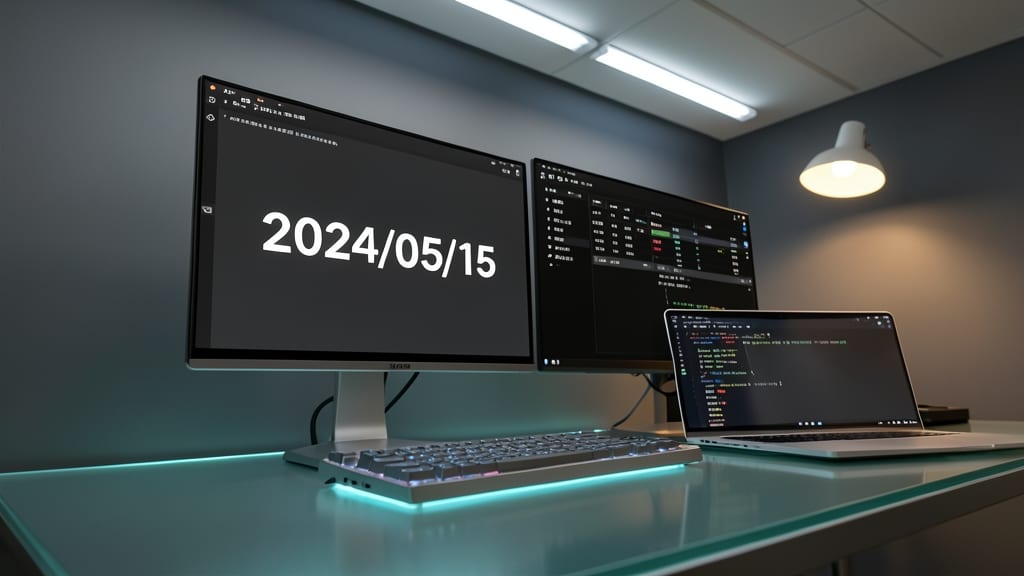
If you’re developing software for Japan or working with Japanese databases, the YYYY/MM/DD format isn’t just a preference—it’s a necessity. Unlike Western formats, this structure places the year first, reducing ambiguity in automated systems and aligning with local business standards.
Japanese ERP systems like SAP Japan or Oracle Fusion default to this format, and even consumer apps (e.g., LINE Pay or Rakuten) use it for transactions. The forward slash (/) separator ensures compatibility with SQL queries and CSV exports, while the year-first ordering prevents misinterpretation in cross-border data transfers.
Developers localizing apps for Japan or integrating with regional APIs must hardcode this format in validation rules. Ignoring it risks parsing errors in financial or logistical systems where precision matters. ✨
SQL Date and Time Formats
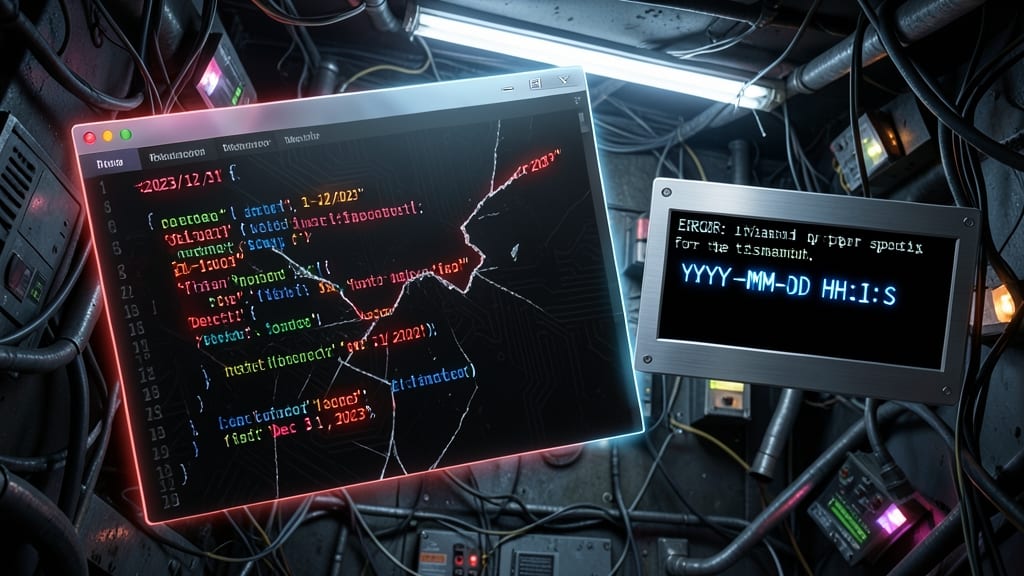
When writing SQL queries, the wrong date format can turn a simple SELECT into a debugging nightmare. Unlike APIs or spreadsheets, databases often require explicit format handling—whether through strings like YYYY-MM-DD HH:MI:SS or functions like TODATE()—to avoid parsing errors in stored procedures.
Most SQL dialects support YYYY-MM-DD (ISO-like) for dates, but time components often need HH24:MI:SS (24-hour) to prevent ambiguity. Oracle’s TODATE() function lets you define masks like 'DD-MON-YYYY' or 'HH12:MI:AM' for flexibility, while MySQL defaults to STRTODATE() with similar precision. PostgreSQL handles both ISO formats and custom patterns seamlessly.
This is non-negotiable for developers maintaining cross-platform databases or migrating legacy systems. A misplaced hyphen or AM/PM omission can corrupt entire datasets—so mastering these formats is your first line of defense. ✨
Excel and Spreadsheet Formats
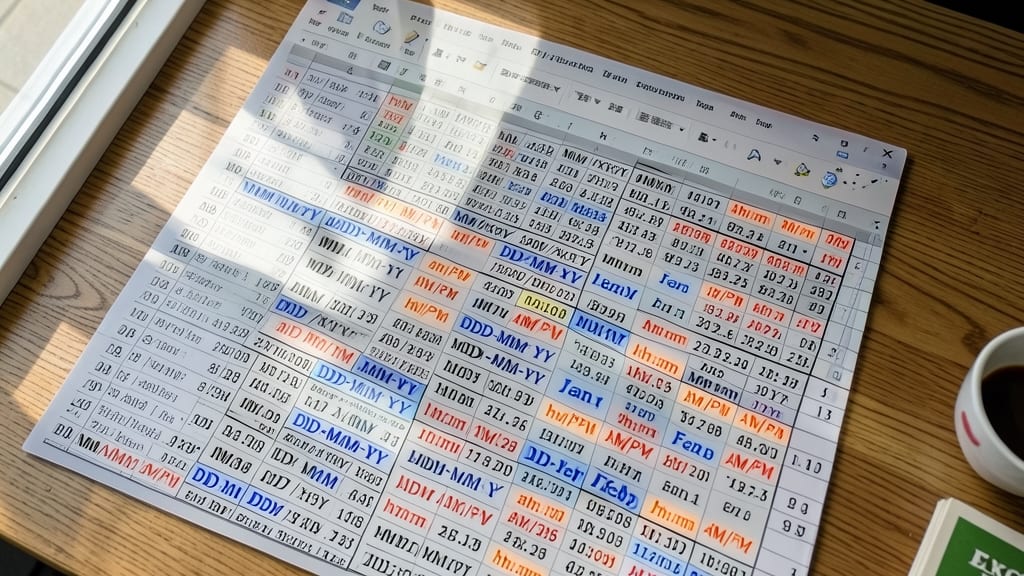
Spreadsheets like Excel thrive on flexibility—but that freedom often leads to chaotic date and time formats. Unlike standardized formats, Excel defaults to user-defined styles like 'MM/DD/YYYY', 'DD-MMM-YY', or 'hh:mm AM/PM', which can derail financial models or project timelines if misinterpreted.
The catch? Excel’s custom format codes (e.g., [h]:mm AM/PM for time or mm/dd/yyyy for dates) let you tweak displays, but they’re not always consistent. A cell formatted as 05/20/2024 could mean May 20th or the 5th of June—unless you explicitly set the locale. For teams sharing files, this inconsistency risks data corruption in formulas or pivot tables.
Accountants, project managers, and data analysts should lock down formats early—especially when exporting to APIs or databases. Use Ctrl+1 (Format Cells) to standardize before sharing, and validate with =ISNUMBER() checks to catch errors. 💻